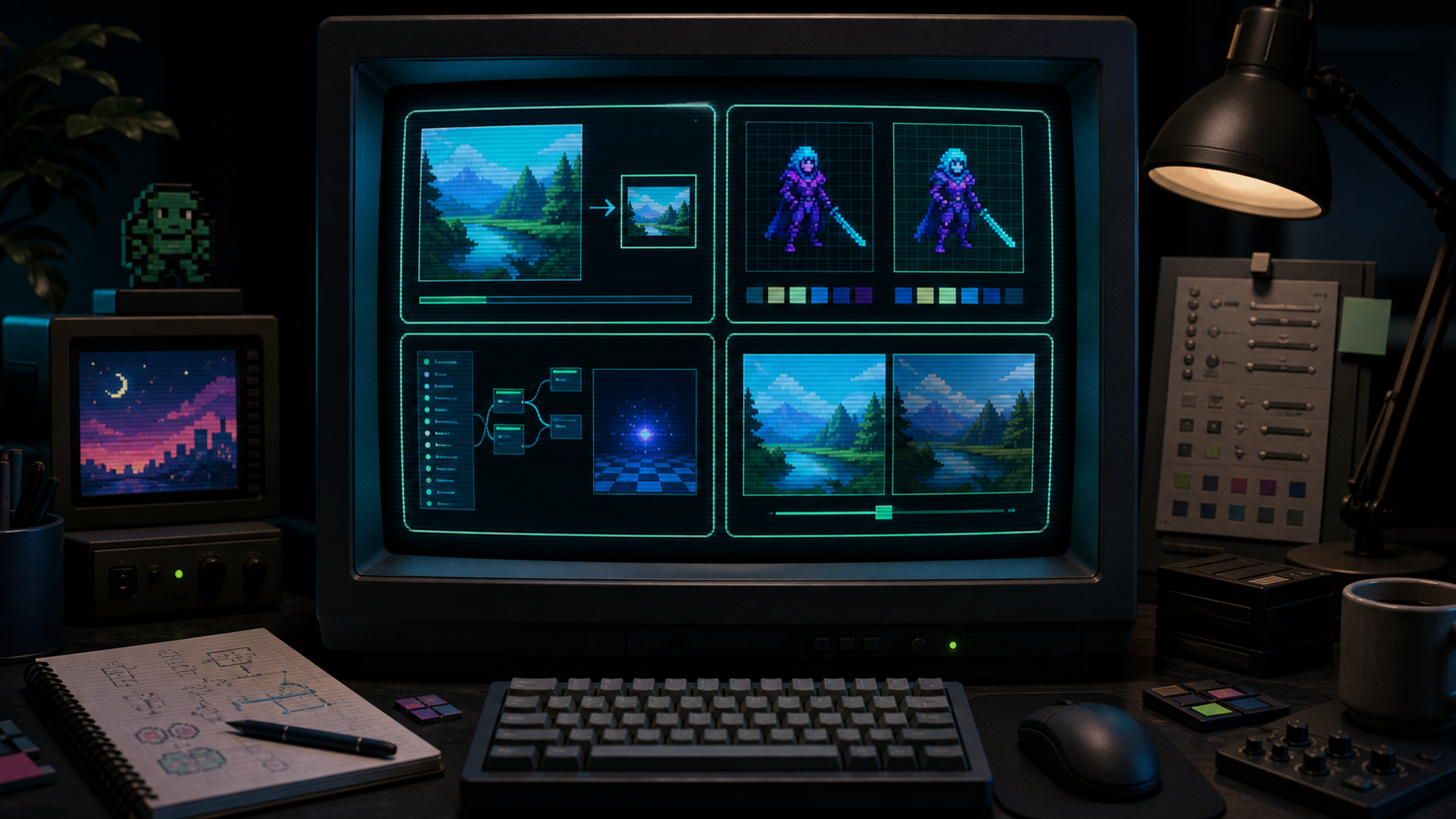
Choose the right CRT tool for image export, pixel art comparison, Godot shader settings, or brightness-preserving CRT tuning.
Choose the job
Start with the tool that matches your output.
CRT Pixel has separate tools for image export, pixel art comparison, Godot shader settings, and brightness-preserving CRT tuning. Pick one path instead of using a one-size-fits-all panel.
CRT Pixel is organized around the output a creator needs. A poster maker wants a processed PNG. A pixel artist wants to know whether a sprite survives scanlines. A Godot developer wants shader settings that can be moved into a project. A developer fighting dark scanlines wants a brightness comparison. The home page exists to route those jobs quickly, so the first decision is practical: what are you trying to finish today?
Why the tools are separated
A single giant CRT panel would look convenient, but it would blur different search intents. Image export, pixel art review, shader generation, and luminance tuning all have different success criteria. The same slider can mean different things depending on the job. For a screenshot export, glow may be a style choice. For a small game UI, the same glow can damage readability. Keeping the tools separate lets each page explain the tradeoffs only once and keeps the interface focused.
The home page routes users by workflow so each tool can stay focused on one job.
What belongs on the home page
This is the only page that should carry broad trust and orientation copy. Users should learn that the site is browser-first, English-only, task-focused, and built for practical CRT decisions. Those broad statements should not be repeated across every tool page. Once a user opens a tool, the page should stop introducing the whole site and focus on the task in front of them.
How to choose the first tool
Use the CRT Effect Generator when the final deliverable is an image. Use the Pixel Art CRT Filter when you need an honest before-and-after comparison. Use the Godot CRT Shader tool when you want shader code or parameter values. Use CRT Without Darkening when the effect looks good but makes sprites, text, or HUD elements too dim. Use the blog pages when you need judgment or setup guidance rather than a downloadable output.
Design standard for every page
Each page should answer one search intent and complete one user task. The top of a tool page must show a clear H1, a short benefit sentence, and the working tool. Longer explanation, examples, source notes, and FAQ belong below the tool. This keeps the site useful for people who arrived ready to act, while still giving search engines and careful users enough context after the first screen.
Quality bar for content
Content should teach a useful decision, not restate a keyword. If two paragraphs say the same thing with different wording, one of them should be removed. If a technical note does not help the user finish the task, it should be cut. The site should feel like a sharp practical tool made by someone who understands pixel art and game development, not like an SEO article wrapped around a demo.
What the site should not become
CRT Pixel should not become a gallery of nearly identical filter pages. If two pages would use the same interface, same examples, same FAQ, and same success criteria, one of them should be removed or changed into a guide. Search traffic is useful only when the page behind it solves a specific problem. A smaller set of clearer pages is better than a large set of thin pages that compete with each other.
How images support the content
Images on this site should explain decisions, not decorate empty space. A home page image can show the difference between workflows. A tool page image can reinforce what the user is tuning. A guide image can clarify layer order, display behavior, or before-and-after judgment. If an image does not help the user understand the task faster, it should be replaced with one that does.
Publishing standard
Before a new page is published, it should pass a simple test: can a visitor understand the task in the first screen, use the main feature without reading an essay, and find deeper guidance below when they need it? The page should have its own title, description, canonical URL, examples, image support, and FAQ. It should also have a reason to exist that is not already covered by another route.
How success should feel
A successful visit should feel direct. The user should not have to decode internal site architecture or read repeated introductions. They should recognize their problem, open the right page, adjust a visible tool or read a specific guide, and leave with an output or decision. That standard matters more than adding more pages. CRT Pixel should win trust by being precise, not by sounding broad.
FAQ
Why is the home page not the full editor?
The home page is a chooser. The full image editor lives on the CRT Effect Generator page so the home page does not duplicate a tool page or confuse search intent.
Which page should a Godot developer open first?
Open Godot CRT Shader if you want code and settings. Open the setup guide if your question is about ColorRect, CanvasLayer, SubViewport, or HUD ordering.
Where should general trust copy live?
General site-level reassurance belongs here. Tool pages should spend their words on task-specific decisions and controls.