Set up the minimum Godot scene structure for a CRT shader layer with ColorRect, ShaderMaterial, and SubViewport guidance.
SubViewport resolution choices
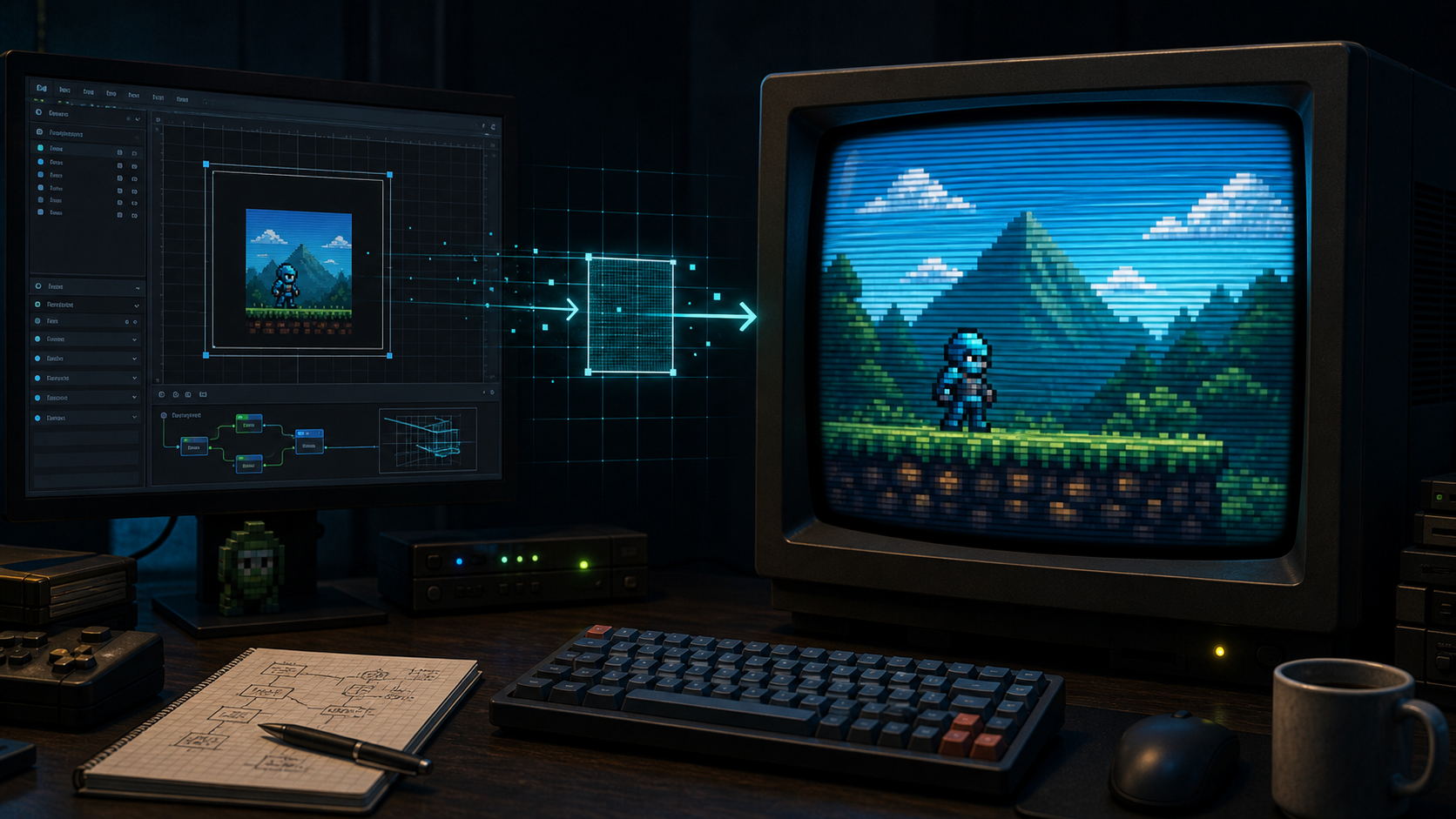
A SubViewport can help pixel games by giving the shader a stable low-resolution source image. This is useful when you want pixel-perfect scaling before the CRT effect is applied. Choose a source size that matches the game's intended art resolution, then test the final scale on common desktop and mobile viewports. Scanlines can look uneven when the source resolution and final display height fight each other.
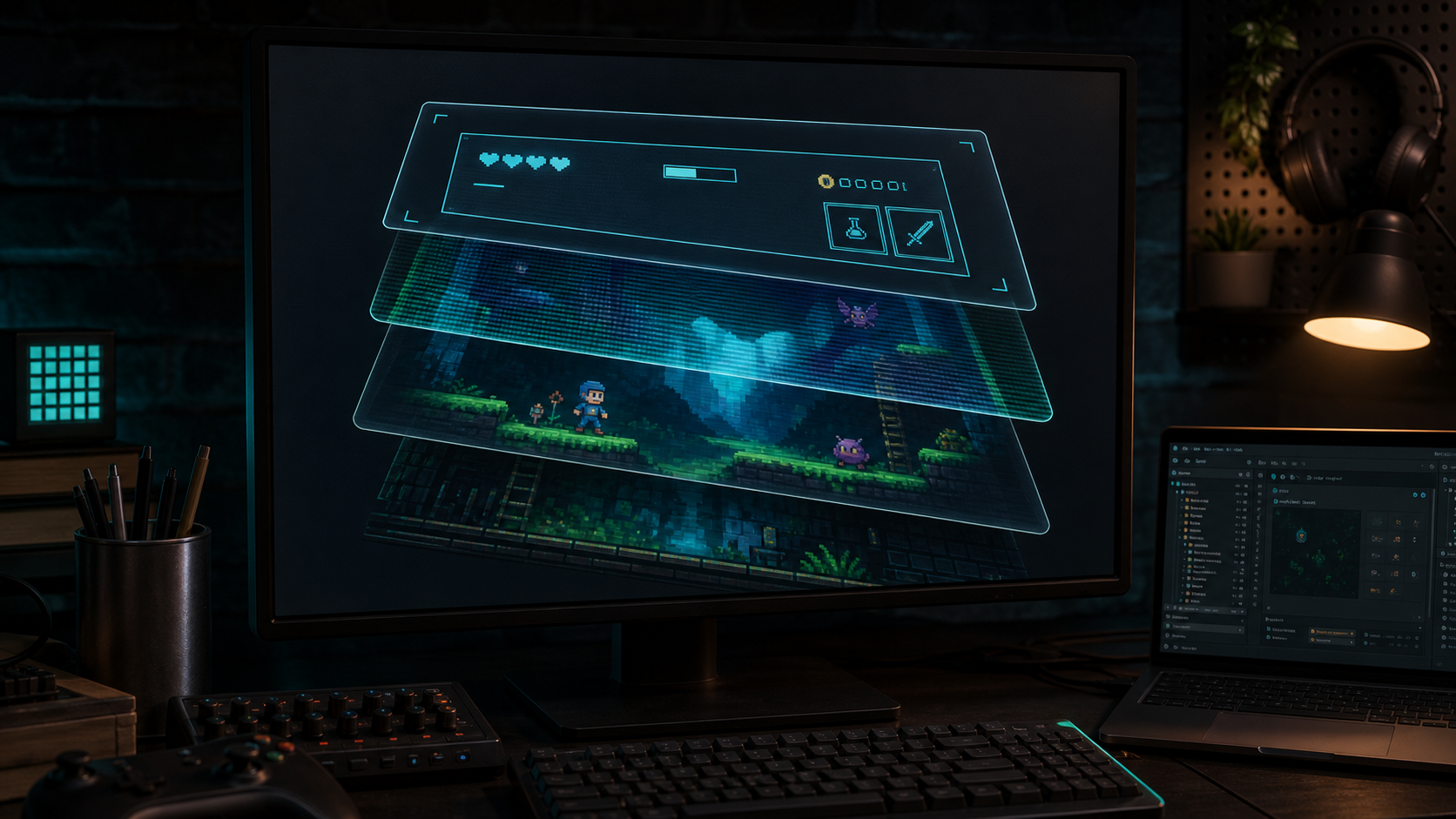
Layering decides whether the CRT effect touches gameplay only, the HUD, or the entire interface.
HUD inside or outside the CRT layer
Putting the HUD inside the CRT layer makes the whole game feel like one displayed signal. That can be beautiful for minimal interfaces or games where the UI is part of the world. Keeping the HUD outside the layer improves clarity for health bars, subtitles, inventory counts, timers, and menus. If a player must read it quickly, consider drawing it above the CRT effect. The right answer depends on readability pressure, not nostalgia.
Performance and compatibility mindset
Start with a conservative shader and add intensity only after testing. Web exports, low-end hardware, and compatibility renderers may react differently from a desktop editor preview. Expensive distortion, heavy blur, or multiple stacked post-process effects can be noticeable during gameplay even if they look harmless in a still frame. The safest path is to verify the effect in the target export early.
Troubleshooting checklist
If the output is black, confirm the shader is sampling the intended source. If the image is blurry, check viewport scale before adding sharpness. If UI is unclickable, inspect mouse filtering and layer order. If the effect is too dark, lower mask strength or use brightness preservation. If scanlines look uneven, test a different viewport height or scale factor. These checks solve most setup issues before deeper debugging is needed.
Subviewports are useful when a pixel game needs stable source resolution before display effects.
A minimum safe setup path
For a first implementation, keep the setup boring. Add the CRT layer to one test scene, place a simple UI button above or below it intentionally, and confirm input still works. Then test a low-resolution viewport if your game needs pixel-perfect scaling. Only after those checks should you move the layer into a shared scene or autoloaded layout. This order prevents a visual experiment from quietly becoming a project-wide dependency.
What to document for your team
Write down where the shader layer lives, which layers are filtered, whether UI is inside or outside the effect, and what resolution the source viewport uses. This does not need to be a long technical document. A few notes beside the scene setup can save time when another developer changes menus, adds accessibility options, or prepares a web export. CRT setup becomes easier when the layer rules are visible.
When to revisit the setup
Revisit the setup when the project adds new UI, changes resolution, targets a new platform, or introduces scenes with very different brightness. A CRT layer that worked for a prototype can fail once the game has subtitles, inventory screens, or fast combat. Treat the setup as part of the display system, not a one-time cosmetic pass. Retesting is cheaper than discovering readability problems near release.
A good setup stays boring
The best CRT setup is often the one nobody has to think about after it is built. It filters the right layers, ignores input when it should, scales predictably, and can be adjusted without breaking menus. If the setup requires special-case fixes across many scenes, simplify it. The shader effect should be an art direction layer, not a constant source of scene-management surprises.
FAQ
Do I always need a SubViewport?
No. A screen-texture ColorRect can be enough for simple fullscreen effects, but a SubViewport is useful when low-resolution pixel output must stay stable.
Should HUD be filtered?
Only if readability survives. Many projects filter gameplay and keep HUD above the CRT layer.
Why is my UI not clickable?
A fullscreen ColorRect may be blocking input. Set it to ignore mouse input when it is only a visual shader layer.